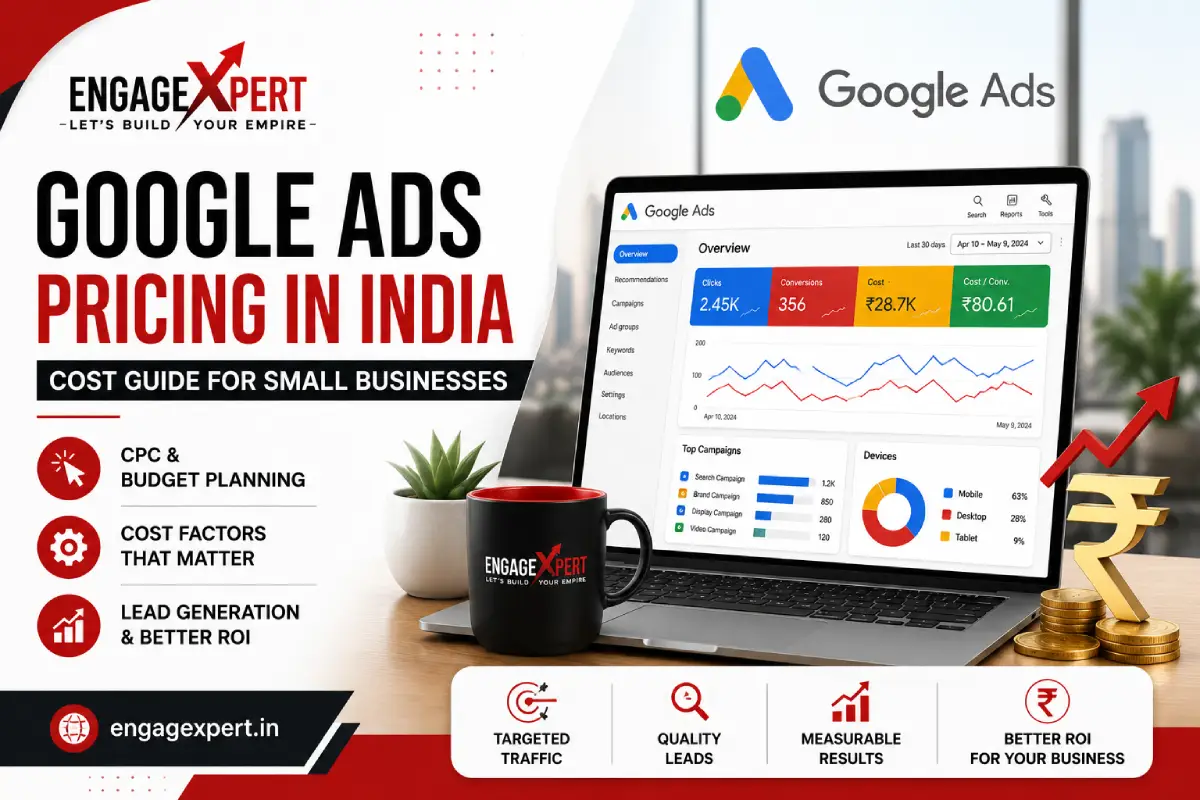

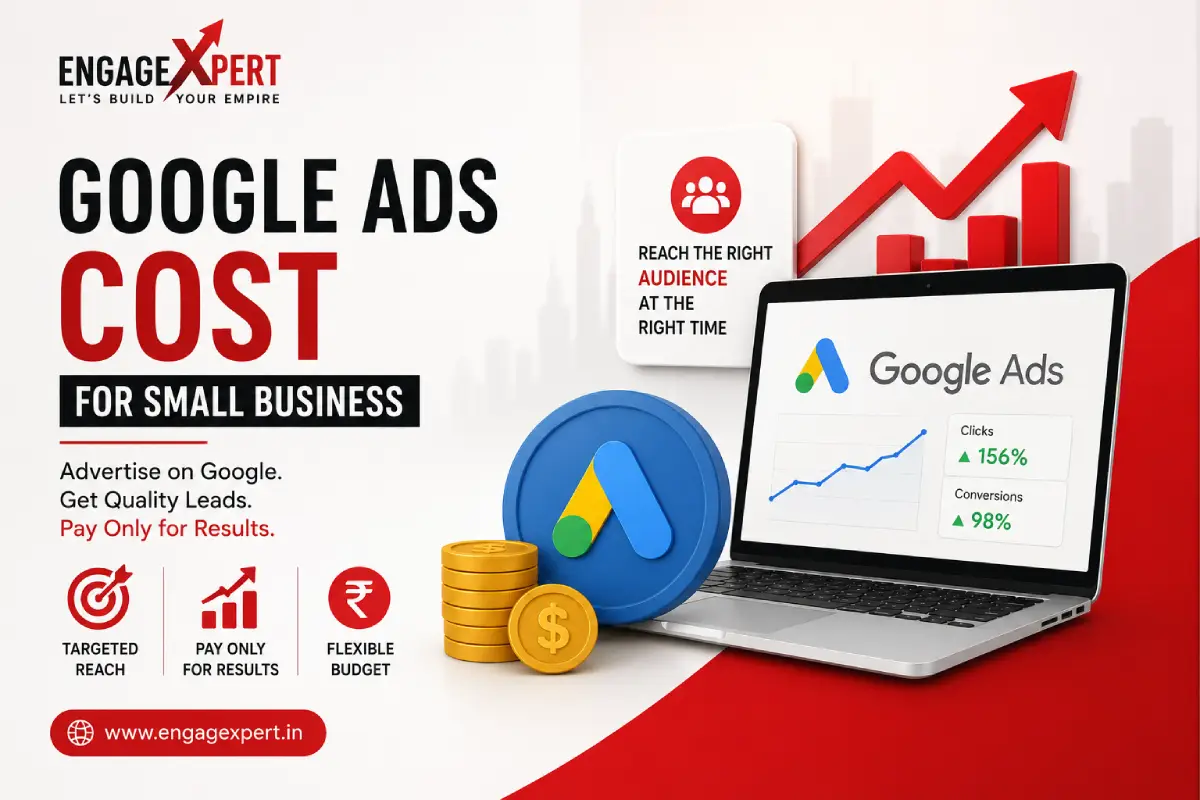
Many small business owners want to use Google Ads to generate leads, increase website traffic, and grow their business. However, one of the first questions they ask is, “How much does Google Ads cost?” Understanding the Google Ads Cost for Small Business helps you plan your marketing budget wisely and avoid unnecessary expenses.
The truth is that there is no fixed price for Google Ads. The amount you spend depends on your industry, competition, target audience, keywords, campaign type, and advertising goals.
The good news is that Google Ads allows businesses of every size to advertise within their budget. Whether you have a small daily budget or a larger monthly investment, you can create campaigns that reach potential customers at the right time.
In this guide, we’ll explain how Google Ads pricing works, what factors affect costs, and how small businesses can maximize their return on investment.
Example
- What Is Google Ads?
- Does Google Ads Have a Fixed Cost?
- Factors That Affect Google Ads Cost
- Google Ads Budget Calculator
- Average Google Ads Cost by Industry
- Common Budget Mistakes
- FAQs
What Is Google Ads?
Google Ads is Google’s online advertising platform where businesses pay to display advertisements on:
- Google Search
- Google Maps
- YouTube
- Google Display Network
- Shopping results
- Partner websites
Unlike traditional advertising, Google Ads allows you to target people who are actively searching for your products or services.
This makes it one of the most effective digital marketing channels for lead generation
Does Google Ads Have a Fixed Cost?
No.
Google Ads works on an auction system.
Businesses bid on keywords related to their services, and Google determines which advertisements appear based on several factors, including:
- Bid amount
- Ad quality
- Landing page experience
- Expected click-through rate
- Relevance of the advertisement
This means two businesses may pay different amounts for the same keyword depending on the quality of their campaigns.
Factors That Affect Google Ads Cost
The amount you spend on Google Ads depends on several factors.
Industry Competition
Businesses in highly competitive industries often pay more for advertising.
Examples include:
- Real estate
- Finance
- Insurance
- Legal services
- Healthcare
Businesses operating in competitive markets often require well-optimized campaigns to achieve better results.
Keyword Competition
Some keywords receive more searches and attract more advertisers.
For example:
- Digital Marketing Agency
- SEO Company
- Google Ads Agency
These keywords are generally more competitive than long-tail keywords.
Choosing relevant long-tail keywords often helps small businesses reduce advertising costs while attracting qualified leads.
Target Location
Advertising costs also depend on where you want to reach customers.
Campaigns targeting:
- Gurgaon
- Delhi NCR
- Mumbai
- Bangalore
may have different costs based on local competition and search demand.
Location targeting helps businesses focus their budget on their preferred service areas.
Campaign Goals
Your objective also affects campaign costs.
Businesses may want to:
- Generate phone calls
- Increase website enquiries
- Drive store visits
- Collect contact forms
- Promote a new service
Each goal requires a different campaign strategy and budget allocation.
Understanding Cost Per Click (CPC)
Google Ads usually works on a Pay-Per-Click (PPC) model.
This means you pay only when someone clicks your advertisement.
The amount paid for each click is called Cost Per Click (CPC).
The CPC varies depending on:
- Keyword competition
- Industry
- Location
- Ad quality
- Bid strategy
Improving campaign quality often helps reduce CPC while maintaining good visibility.
Average Google Ads Cost for Small Business
Although there is no fixed pricing, many small businesses begin with a daily budget between ₹500 and ₹3,000 depending on their industry and goals. Highly competitive industries such as real estate, legal services, and finance generally require larger budgets because of higher Cost Per Click (CPC), while local service businesses may achieve good results with a smaller daily investment.
Instead of focusing only on budget, businesses should monitor Cost Per Lead (CPL), conversion rate, and return on investment to measure campaign success.
Business Type | Recommended Daily Budget |
Local Business | ₹500–₹1,000 |
Small Business | ₹1,000–₹2,500 |
Real Estate | ₹2,000–₹5,000 |
Healthcare | ₹1,500–₹4,000 |
How to Set a Google Ads Budget
One of the biggest advantages of Google Ads is flexibility.
You decide how much you want to spend.
For example, you can choose:
- Daily budget
- Monthly budget
- Campaign-specific budget
Google will try to distribute your advertising budget throughout the campaign period.
This gives small businesses complete control over their marketing expenses.
Why Campaign Quality Matters
Many people believe the highest bidder always wins.
In reality, Google also considers campaign quality.
Important quality factors include:
- Relevant keywords
- Strong ad copy
- High-quality landing pages
- Positive user experience
- Fast-loading website
Businesses with better-quality campaigns can often achieve higher rankings without paying the highest bid.
Professional Google Ads Services help businesses run better campaigns, reduce unnecessary ad spend, and attract more qualified leads.
Google Ads vs SEO
Many business owners ask whether they should invest in SEO or Google Ads.
Both strategies have different advantages.
Google Ads provides immediate visibility and faster lead generation.
SEO focuses on improving long-term organic rankings.
Our guide on SEO vs Google Ads for Gurgaon Businesses explains how both strategies work together and when each approach is most suitable.
Learn from Google’s Official Resources
Businesses planning their advertising budget can refer to the Google Ads Help Center to understand bidding strategies, campaign settings, budgeting options, and best practices directly from Google.
You can also use Google’s Keyword Planner to discover relevant keywords, estimate search volume, and plan your advertising budget before launching a campaign.
Using Google’s official recommendations helps businesses build better-performing campaigns.
Google Ads Works Across Different Industries
Google Ads is useful for many industries, including:
- Healthcare
- Education
- Retail
- Restaurants
- Professional services
- Manufacturing
- Real estate
For example, many businesses promoting Luxury Property in Gurgaon use Google Ads to appear before buyers searching for premium residential projects. Combining paid advertising with professional property videos often improves engagement and generates quality enquiries.
Google Ads Supports Business Growth
Paid advertising becomes even more effective when combined with a complete digital marketing strategy.
Businesses that use SEO, content marketing, social media, and Google Ads together usually build stronger online visibility and generate better long-term results.
If you want to understand how different marketing channels work together, read our guide on Digital Marketing Agency for Small Business, where we explain how businesses can create a complete digital marketing strategy.
Better Leads Matter More Than More Clicks
Getting thousands of clicks does not always mean your campaign is successful.
The real goal is to generate enquiries from people who are genuinely interested in your products or services.
Our guide on Lead Generation Strategies for Small Business explains practical techniques for improving lead quality through Google Ads, SEO, and content marketing.
Common Google Ads Budgeting Mistakes
Many small businesses believe that spending more money automatically leads to better results. In reality, a poorly managed campaign can waste your budget without generating quality leads.
Some common mistakes include:
- Targeting broad keywords
- Ignoring location targeting
- Sending traffic to the homepage instead of a landing page
- Not using negative keywords
- Running campaigns without conversion tracking
- Writing generic ad copy
- Not reviewing campaign performance regularly
Avoiding these mistakes helps improve campaign efficiency and reduce unnecessary spending.
Google Ads Cost vs ROI
Spending more money on Google Ads does not always guarantee better results. A well-optimized campaign with relevant keywords, compelling ad copy, and high-converting landing pages can outperform campaigns with much larger budgets. Businesses should focus on return on investment (ROI) rather than only advertising spend.
How to Reduce Google Ads Costs
Lower advertising costs do not always mean lowering your budget. Instead, focus on improving the quality of your campaigns.
Here are a few practical tips:
Target Long-Tail Keywords
Long-tail keywords usually have lower competition and attract users with higher buying intent.
For example, instead of targeting Digital Marketing Agency, use keywords like:
- Digital Marketing Agency for Small Business
- Google Ads Services in Gurgaon
- PPC Management for Local Businesses
Improve Your Quality Score
Google rewards relevant advertisements with a better Quality Score.
You can improve it by:
- Writing relevant ad copy
- Using targeted keywords
- Creating helpful landing pages
- Improving website loading speed
- Providing a good user experience
A higher Quality Score can reduce your Cost Per Click (CPC).
Focus on the Right Audience
Showing advertisements to everyone usually increases costs.
Instead, target people based on:
- Location
- Language
- Device
- Business interests
- Search intent
Precise targeting helps you reach users who are more likely to become customers.
Create High-Converting Landing Pages
Your advertisement should direct visitors to a dedicated landing page instead of a general homepage.
A good landing page should include:
- Clear headline
- Service details
- Business benefits
- Customer testimonials
- Contact form
- Call-to-action button
- Mobile-friendly design
A well-designed landing page can improve conversion rates and increase the value of every advertising click.
Monitor Campaign Performance
Google Ads requires regular optimization.
Review important metrics such as:
- Click-Through Rate (CTR)
- Cost Per Click (CPC)
- Conversion Rate
- Cost Per Lead
- Search Terms Report
- Quality Score
Regular monitoring helps identify opportunities to improve campaign performance and maximize return on investment.
Combine Google Ads with SEO
Although Google Ads provides immediate visibility, it works even better alongside SEO.
SEO helps your website gain long-term organic rankings, while Google Ads delivers instant traffic.
Using both strategies together can:
- Increase website visibility
- Improve brand recognition
- Generate more enquiries
- Reduce dependency on paid advertising over time
A balanced digital marketing strategy often produces better long-term business growth.
Is Google Ads Worth It for Small Businesses?
Yes, when campaigns are properly managed.
Google Ads allows small businesses to compete with larger companies by targeting customers who are actively searching for products or services.
Instead of advertising to everyone, you reach people who already have an interest in what you offer.
This makes Google Ads one of the most cost-effective marketing channels available today.
Why Professional Google Ads Management Matters
Managing Google Ads successfully requires ongoing analysis and optimization.
Professional campaign management includes:
- Keyword research
- Campaign setup
- Ad copy creation
- Budget optimization
- Landing page recommendations
- Performance tracking
- Monthly reporting
Working with experienced professionals helps reduce wasted spending while improving lead quality and campaign performance.
Why Choose EngageXpert for Google Ads Management?
- Keyword Research
- Campaign Setup
- Conversion Tracking
- Landing Page Optimization
- Monthly Reporting
- Continuous Campaign Optimization
Final Thoughts
Understanding Google Ads Cost for Small Business helps you make informed marketing decisions and use your budget more effectively.
There is no fixed advertising cost because pricing depends on factors such as competition, keyword selection, campaign quality, and targeting. By focusing on relevant keywords, creating high-quality landing pages, and regularly optimizing your campaigns, you can generate valuable leads without overspending.
Whether you’re launching your first campaign or looking to improve existing results, a well-planned Google Ads strategy can help your business grow and reach more potential customers.
Frequently Asked Questions
1. How much should a small business spend on Google Ads?
There is no fixed amount. Your budget depends on your industry, competition, business goals, and target audience. Start with a budget you are comfortable with and adjust it based on campaign performance.
2. Does Google Ads charge a monthly fee?
No. Google Ads does not charge a fixed monthly fee. You control your daily or monthly advertising budget and generally pay when someone clicks on your advertisement.
3. Can I run Google Ads with a small budget?
Yes. Small businesses can start with a modest budget and gradually increase spending as campaigns generate positive results.
4. What affects Google Ads pricing?
Factors include keyword competition, location targeting, Quality Score, bid strategy, campaign type, and industry competition.
5. Is Google Ads better than traditional advertising?
Google Ads allows you to reach people actively searching for your products or services, making it more targeted and measurable than many traditional advertising methods.
6. Should I hire a Google Ads expert?
If you want to improve campaign performance, reduce wasted spending, and generate better-quality leads, working with experienced Google Ads professionals can be a valuable investment.
7. Does Google Ads work for local businesses?
Yes. Google Ads helps local businesses reach customers searching for nearby products and services. With location targeting, businesses can generate qualified local leads more efficiently.
8. What is a good Google Ads budget for beginners?
Many small businesses begin with a daily budget of ₹500 to ₹1,500 and gradually increase it based on campaign performance and business goals.
9. How long does Google Ads take to generate results?
Most campaigns begin receiving impressions and clicks within a few hours after approval. However, optimizing campaigns for consistent lead generation may take a few weeks.
Want to get better results from your Google Ads campaigns?
EngageXpert helps small businesses create and manage high-performing Google Ads campaigns that generate qualified leads while maximizing advertising budgets. From keyword research and campaign setup to landing page optimization and ongoing performance tracking, we provide complete PPC solutions designed for business growth.
Contact us today to discuss your Google Ads strategy and start generating more quality leads.